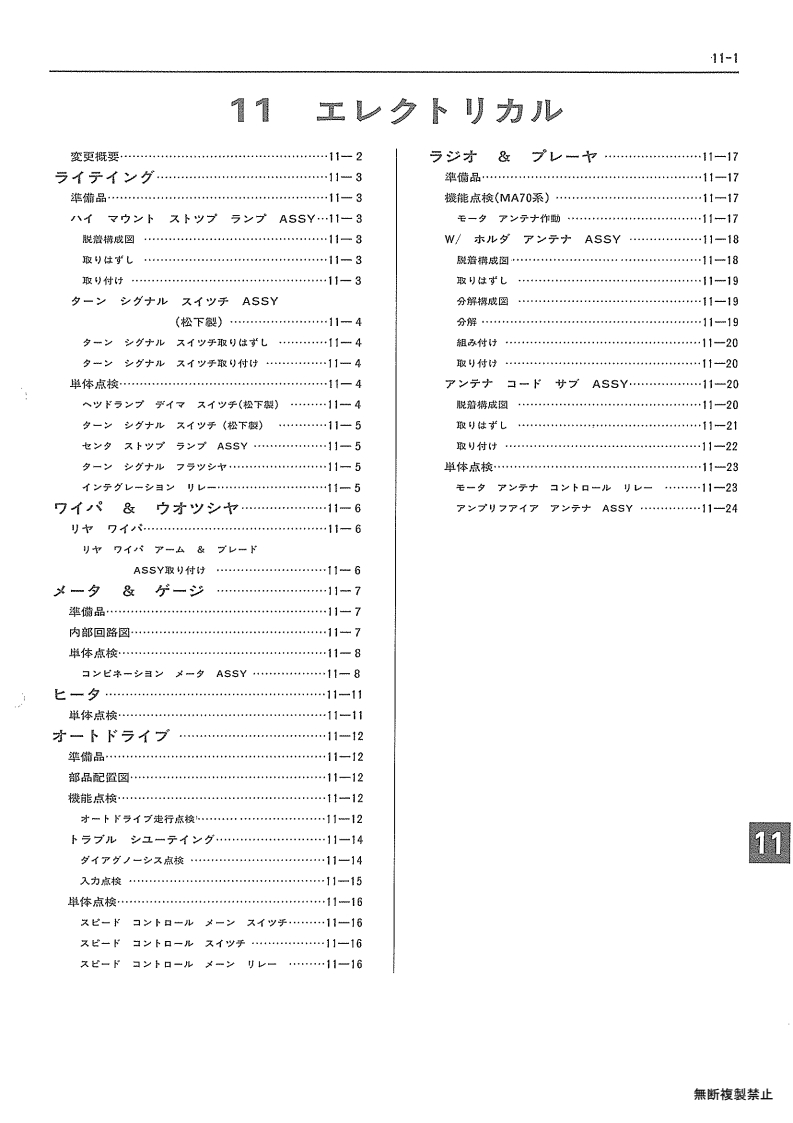
- 011-page01 011-001
- 011-page02 011-002
- 011-page03 011-003
- 011-page04 011-004
- 011-page05 011-005
- 011-page06 011-006
- 011-page07 011-007
- 011-page08 011-008
- 011-page09 011-009
- 011-page10 011-010
- 011-page11 011-011
- 011-page12 011-012
- 011-page13 011-013
- 011-page14 011-014
- 011-page15 011-015
- 011-page16 011-016
- 011-page17 011-017
- 011-page18 011-018
- 011-page19 011-019
- 011-page20 011-020
- 011-page21 011-021
- 011-page22 011-022
- 011-page23 011-023
- 011-page24 011-024
Section navigation
24 pages · currently page 1.
Compare pages
Save pages while browsing, then open two side by side.
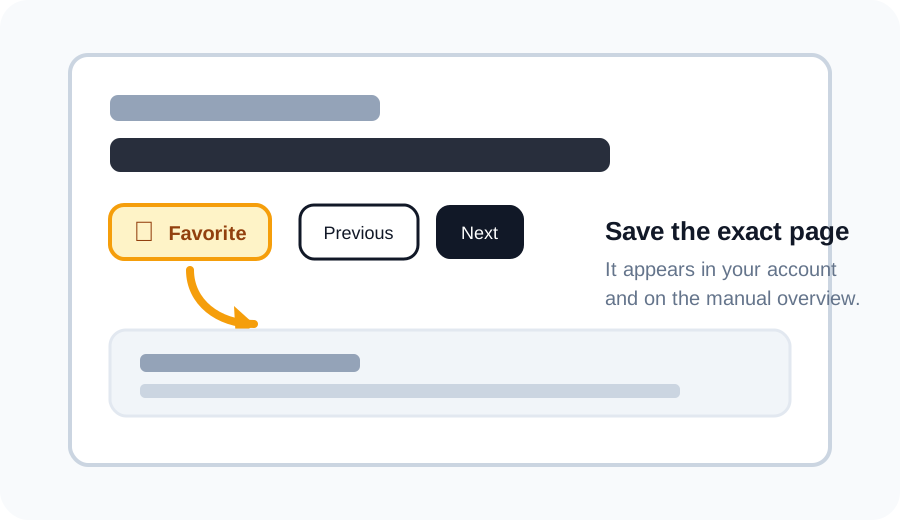
Favorite a page
Click the star above a scan to save that exact page. Your saved pages appear in your account and as thumbnails under the matching section on the manual overview.
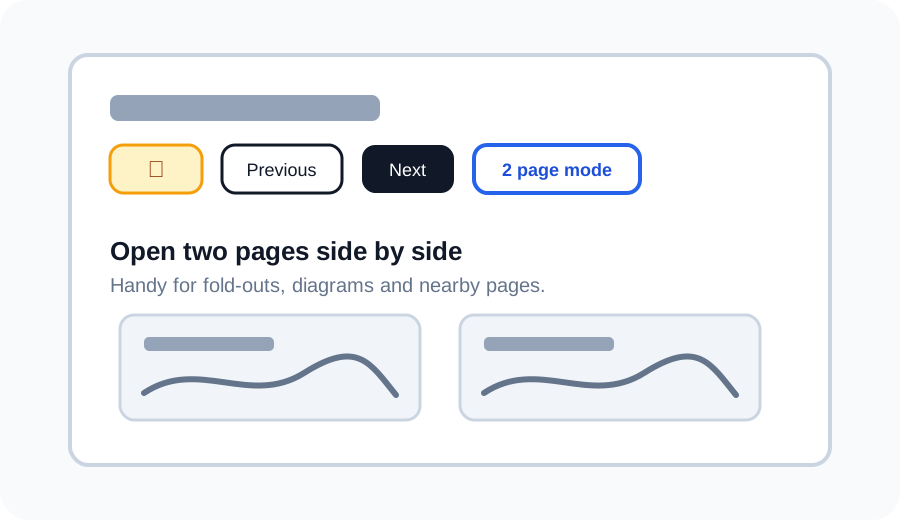
Use 2 page mode
Use 2 page mode to open the current page next to another page. This is useful for wiring diagrams, fold-outs, or comparing nearby pages without losing your place.
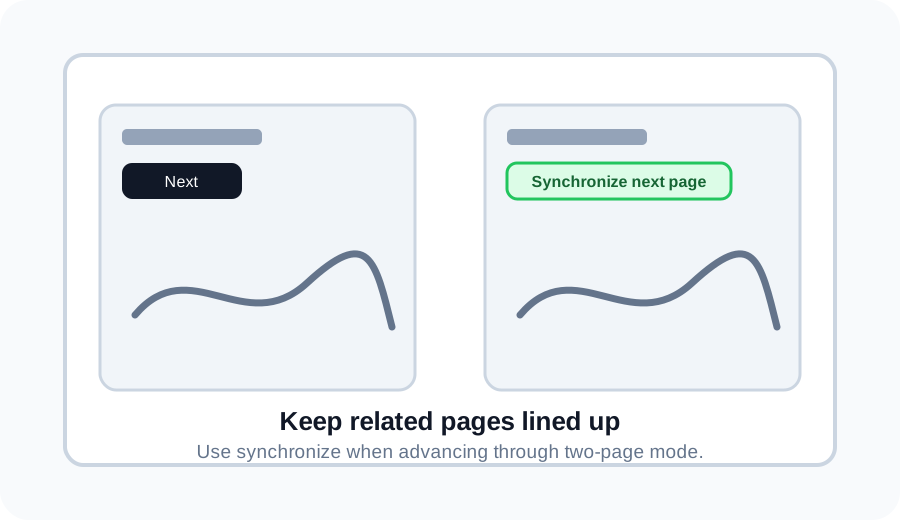
Synchronize pages in 2 page mode
If one side is ahead or behind, use Synchronize next page to move the right page back in line with the left page.
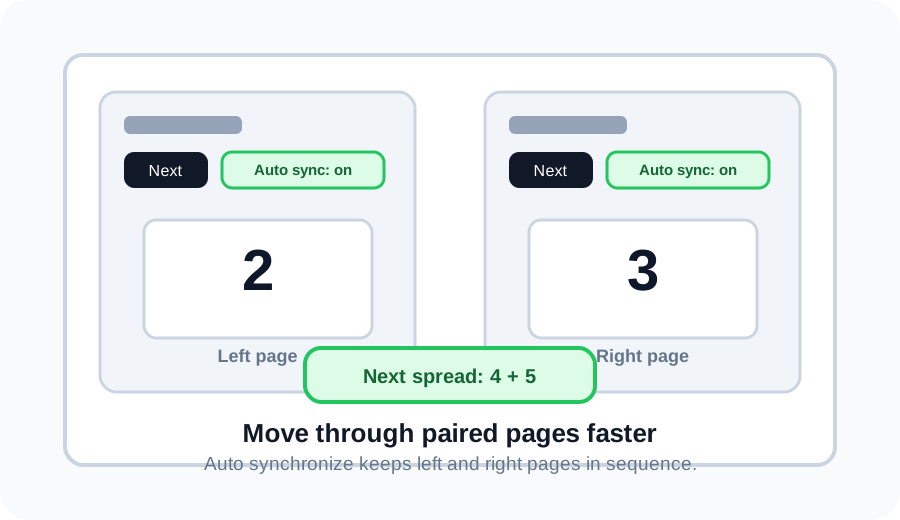
Auto synchronize spreads
Turn on Auto synchronize, then Next moves two pages at once. For example, pages 2 and 3 become pages 4 and 5.
Discuss this page on the forum
Log in to start a discussion about this archive page. Existing discussions stay linked to the page so everyone can find them later.