- Preparation items 10_2
- Hood 10_4
- Front spoiler 10_5
- Front bumper 10_6
- Front fascia 10_9
- Rear bumper 10_11
- Rear spoiler 10_13
- Mudguard 10_14
- Front door 10_15
- Power window 10_32
- Electromagnetic door lock 10_36
- Back door 10_39
- Molding 10_41
- Windshield molding 10_41
- Roof drip molding, quarter ventilation 10_43
- Louver & door belt molding 10_43
- Quarter window molding 10_48
- Back window molding 10_50
- Outside molding 10_53
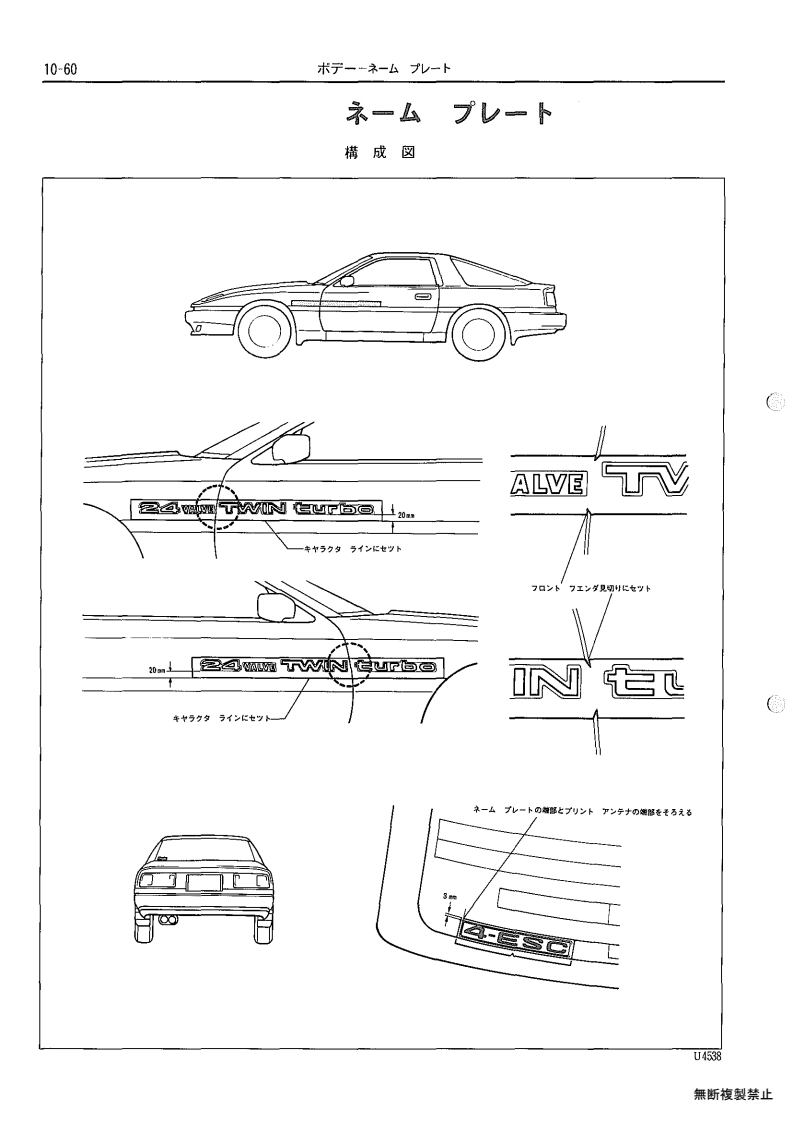
- Name plate 10_60
- Windshield glass 10_61
- Quarter window glass 10_69
- Back window glass 10_74
- Instrument panel 10_76
- Roof head lining 10_87
- Front seat 10_89
- Normal seat 10_89
- Sports seat 10_96
- Electric lumbar and side support 10_114
- Power seat 10_116
- Rear seat 10_118
- Seat belt 10_122
- Outer rear view mirror 10_126
- Electric door mirror 10_126
- Electric retractable door mirror 10_127
Section navigation
132 pages · currently page 60.
Compare pages
Save pages while browsing, then open two side by side.
Section index
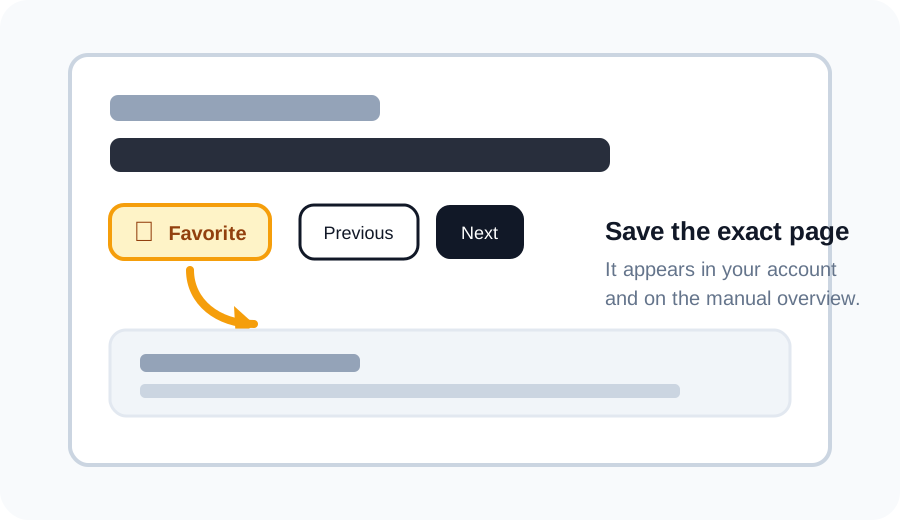
Favorite a page
Click the star above a scan to save that exact page. Your saved pages appear in your account and as thumbnails under the matching section on the manual overview.
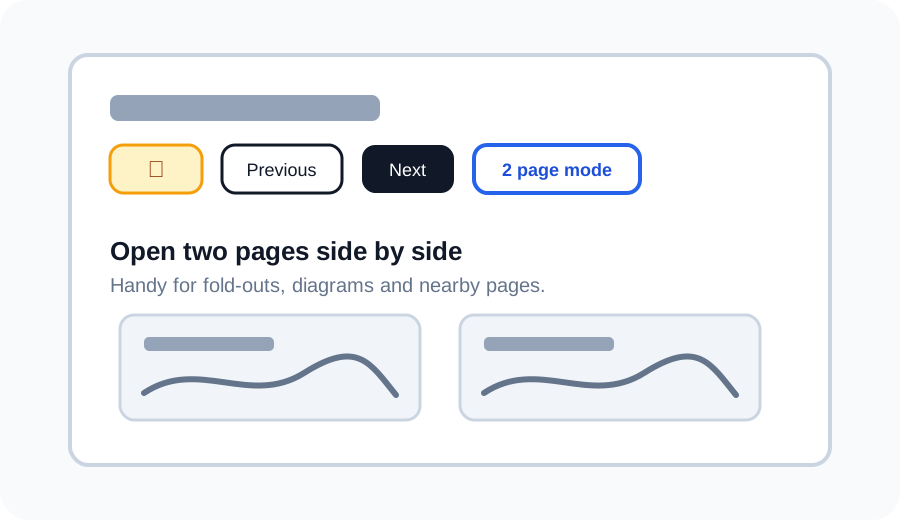
Use 2 page mode
Use 2 page mode to open the current page next to another page. This is useful for wiring diagrams, fold-outs, or comparing nearby pages without losing your place.
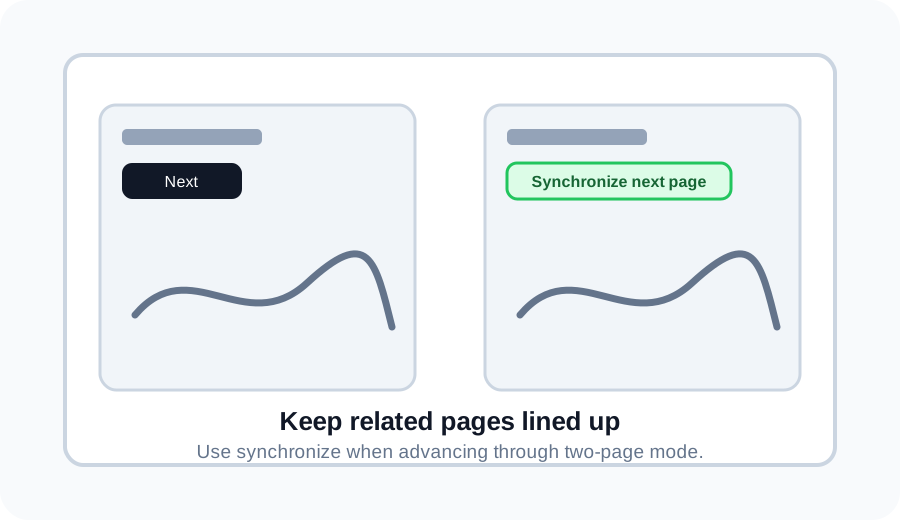
Synchronize pages in 2 page mode
If one side is ahead or behind, use Synchronize next page to move the right page back in line with the left page.
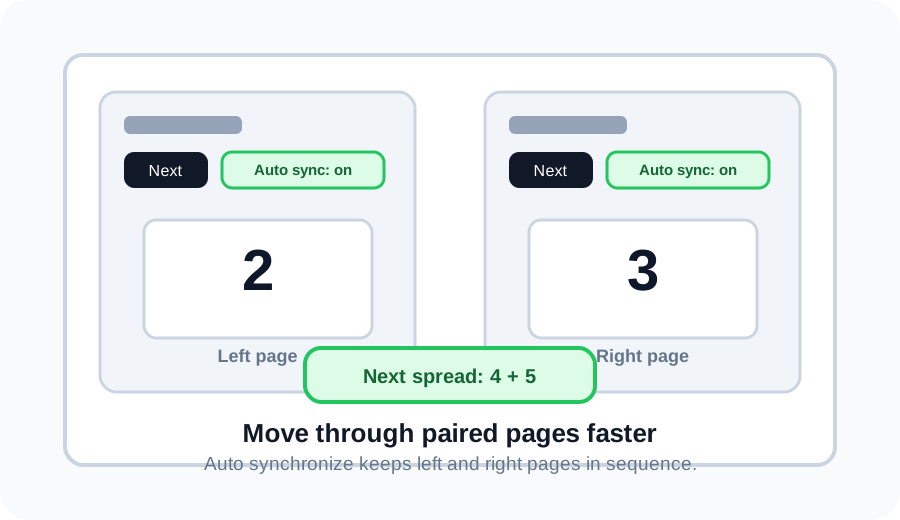
Auto synchronize spreads
Turn on Auto synchronize, then Next moves two pages at once. For example, pages 2 and 3 become pages 4 and 5.
Discuss this page on the forum
Log in to start a discussion about this archive page. Existing discussions stay linked to the page so everyone can find them later.