AT-022 Automatic Transmission - AT-022
Page 22 of 144 in this section.
No English translated scan for this page yet, showing original.
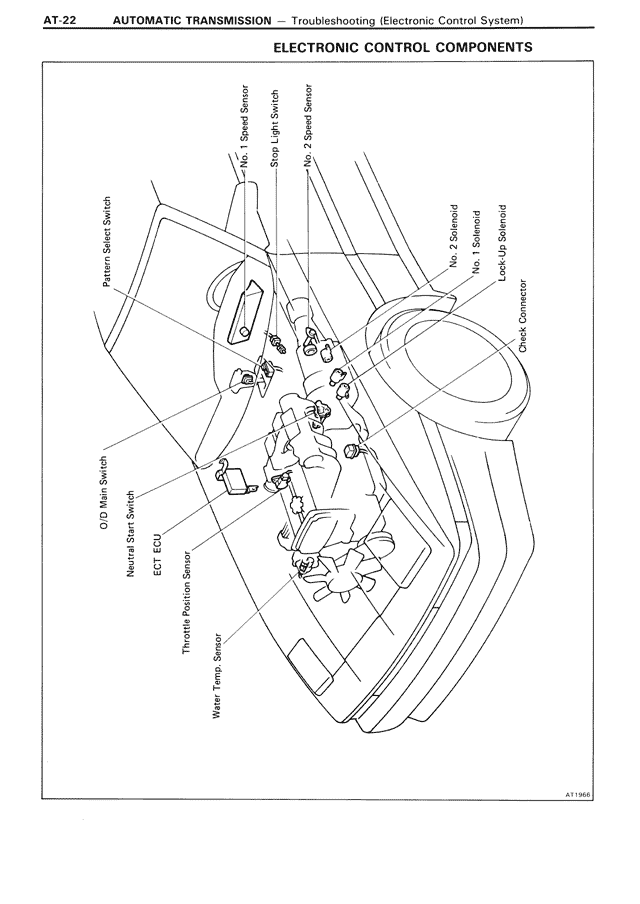

Page 22 of 144 in this section.
144 pages · currently page 22.
Save pages while browsing, then open two side by side.
Click the star above a scan to save that exact page. Your saved pages appear in your account and as thumbnails under the matching section on the manual overview.
Use 2 page mode to open the current page next to another page. This is useful for wiring diagrams, fold-outs, or comparing nearby pages without losing your place.
If one side is ahead or behind, use Synchronize next page to move the right page back in line with the left page.
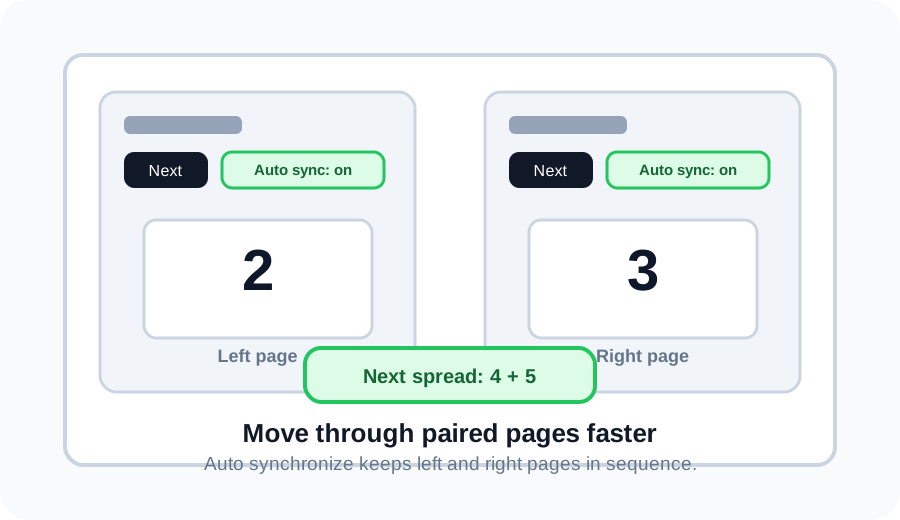
Turn on Auto synchronize, then Next moves two pages at once. For example, pages 2 and 3 become pages 4 and 5.